
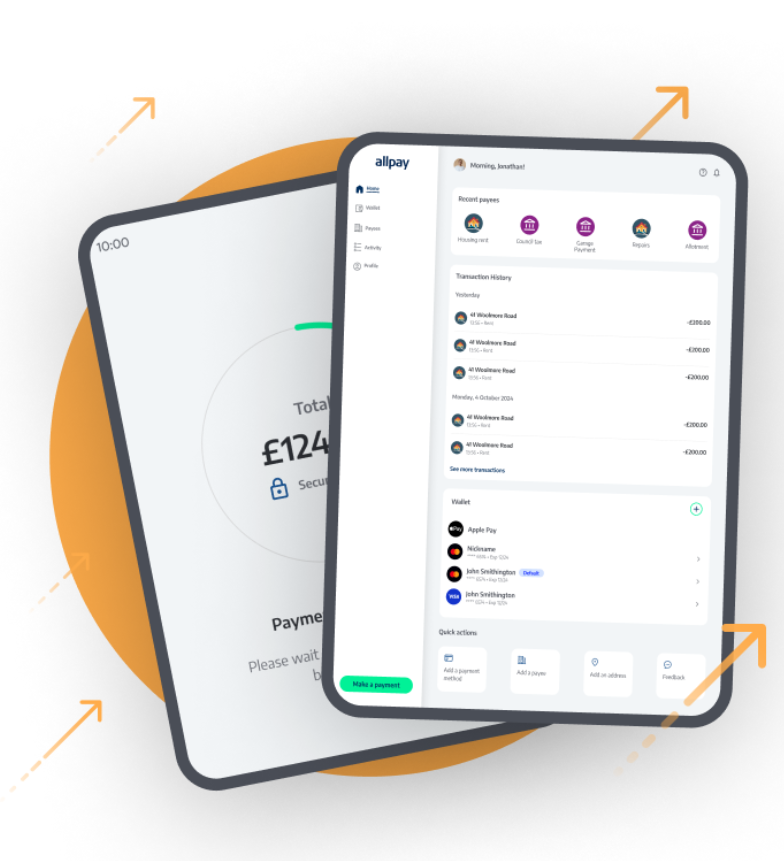
allpay is upgrading its service, to a new platform called allpayments.
This upgrade includes a:
- new allpayments mobile app
- new allpayments online payment website.
The current allpay app and the allpay online payment website will no longer be available after 11 May 2026.
Please note: this is not an update to the old allpay app. The allpay app will close, and you will need to install the new allpayments app separately.
What do I need to do?
If you’re currently using the allpay app or pay using the allpay online payment website, you’ll need to switch to allpayments.
To do this:
- Download the new allpayments app from the Apple App Store or Google Play Store, or
- Use the refreshed allpayments online payment website: allpayments > Home
You can log in to both the new allpayments app and online payment system using your existing allpay login username and password. Once signed in, your information will automatically transfer to the new service.
If you don’t know your password, please reset it here first.
What are the benefits of allpayments?
The new allpayments service makes paying and managing your bills easier. It offers:
- A clearer, more intuitive layout
- A quick 'pay again' option
- Access to receipts and payment history
- Instant confirmation when payments are successful
- Extra security features, including face and fingerprint login (in the app)
- Apple Pay and Google Pay (in the app)
Need help?
If you need support or guidance when moving to allpayments, please visit their Customer Help Centre.
For more information about how to set up your allpayments account visit How to use allpayments (for online payments) – Be One Homes
If you don’t have an allpay card, or if you haven’t used the online payment system before, please call us on 01204 328000 and we’ll help you set it up.